Dashboards that turn project noise into boardroom clarity
Bring project progress, work priorities, and recent activity into focus. Start with your dashboard, then explore the tasks, projects, and reports behind the numbers.
Watch the picture come togetherExample data — illustration only
Website launch · Illustrative project progress
Finance approval, security review, and vendor readiness are waiting for the next step.
Work progress
Executive packet
Export project progress and request breakdowns as CSV from the Reports workspace.
Release work moved forward
Two tasks were completed in this example.
A world of moving parts.
One clearer view.
See the signals. Find the context. Know where to go next.
Your working day, in focus.
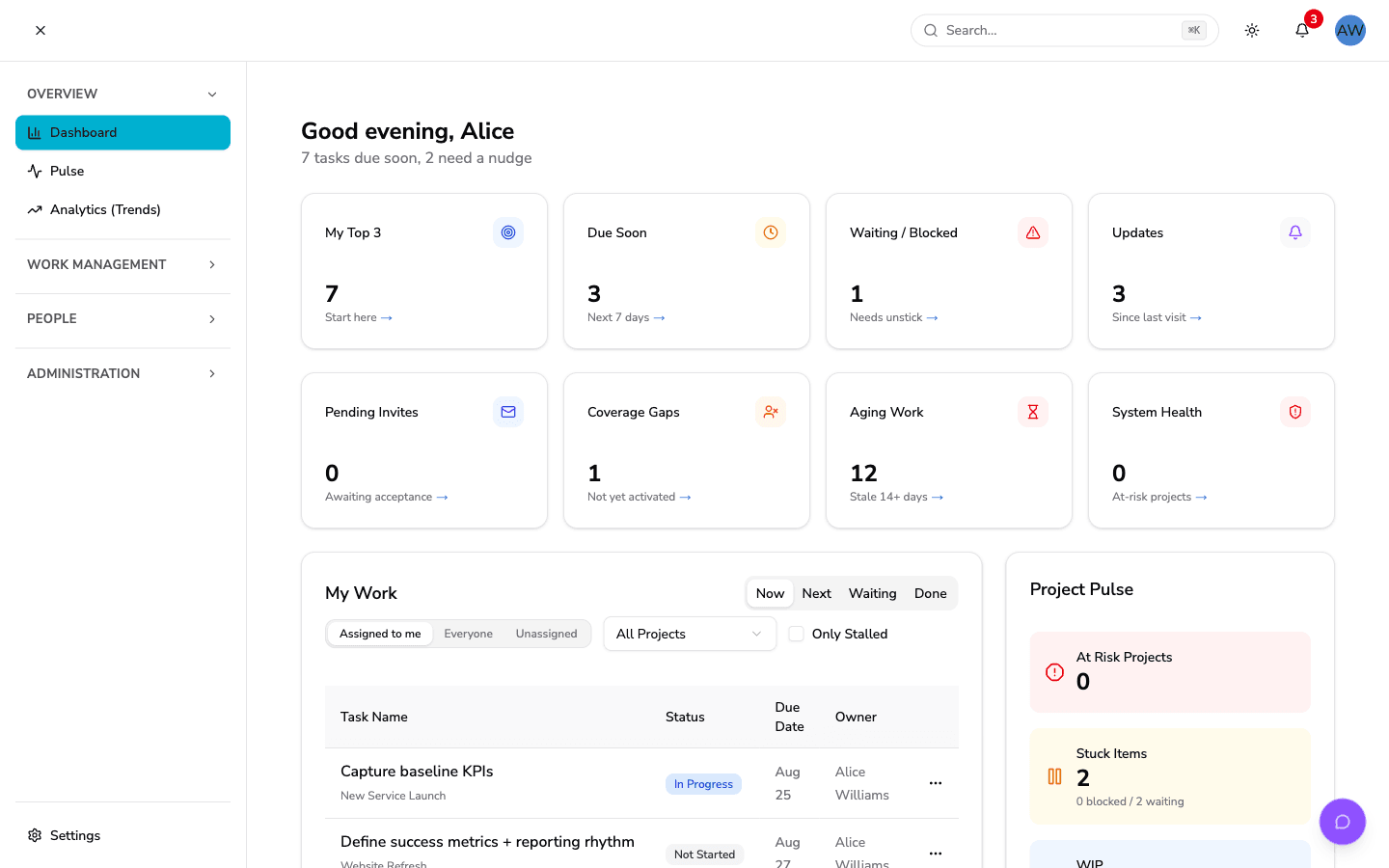
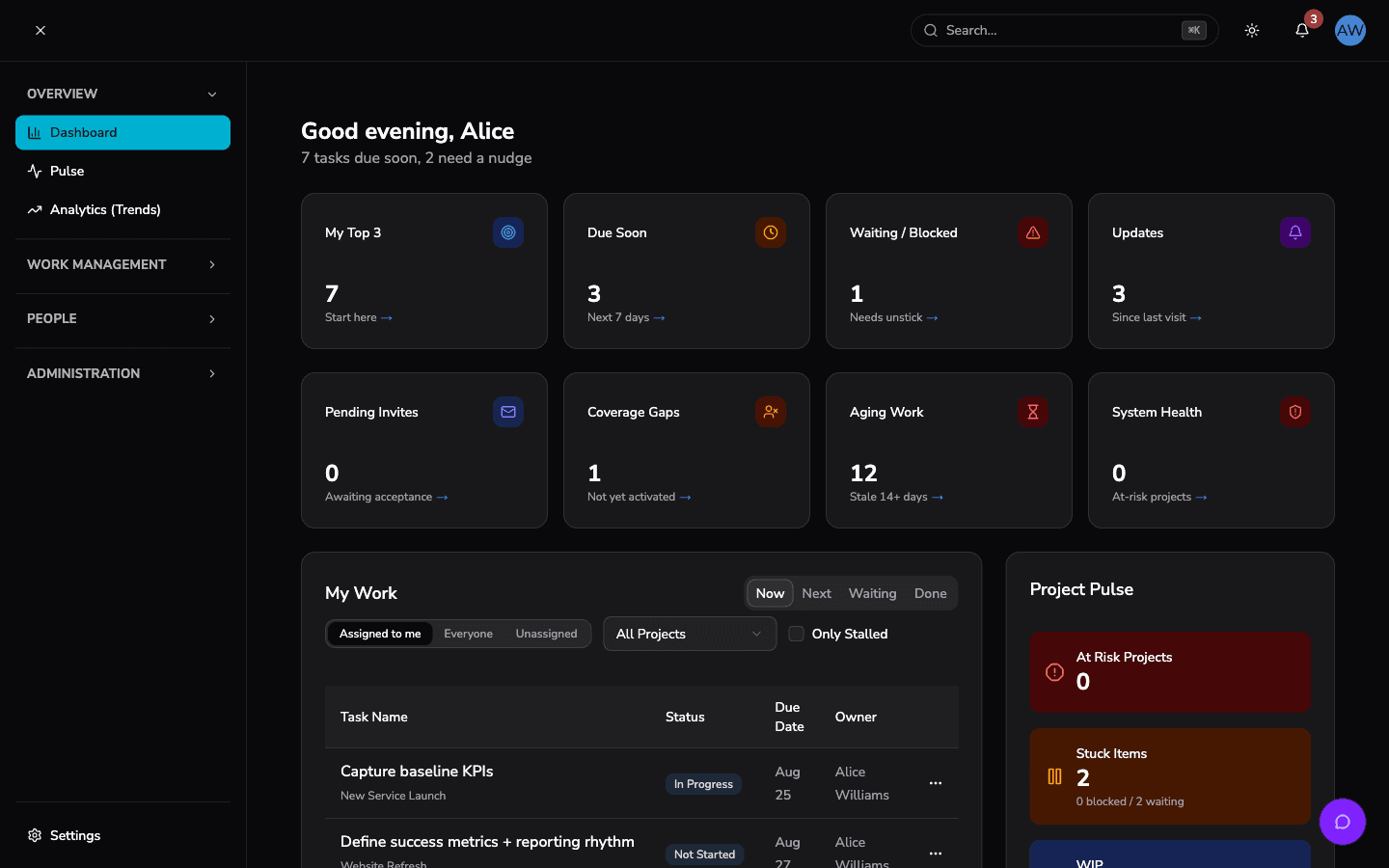
A closer look at the dashboard: personal priorities, upcoming work, and an overview of the projects that need your attention.
A clearer view of the work
See progress, identify work that needs attention, and explore reporting views without losing the thread of your day.
Live health cockpit
See project health, due-soon work, and recent updates in the dashboard views available to your role.
Portfolio rollups
Review project progress and explore department and status breakdowns in Reports.
Risk and workload
Find waiting or blocked tasks, approaching deadlines, and aging work that needs attention.
Board-ready exports
Export project progress, request trends, and department or status breakdowns as CSV from Reports.
See what changed. Follow the context.
Use the dashboard’s What Changed feed to catch up on task updates and mentions. Open the related work to review comments, ownership, and the next step.
Example activity · Sample data
Task status changed
QA review moved to In Progress. Open the task to see its current status.
Task assigned
Security review has a new assignee. Check the task for ownership and due dates.
Mention received
A teammate mentioned you in the release discussion. Follow the update to join the conversation.
Clarity in every theme.
Choose light or dark mode, or follow your system preference. Keep your dashboard comfortable to read throughout the day.
Light
Clear default
Dark
Ops room look
System
Auto follows OS
Ready to see your project health clearly?
Bring your priorities, project progress, and recent updates into view. Explore how HelixSync helps your team find its next step.